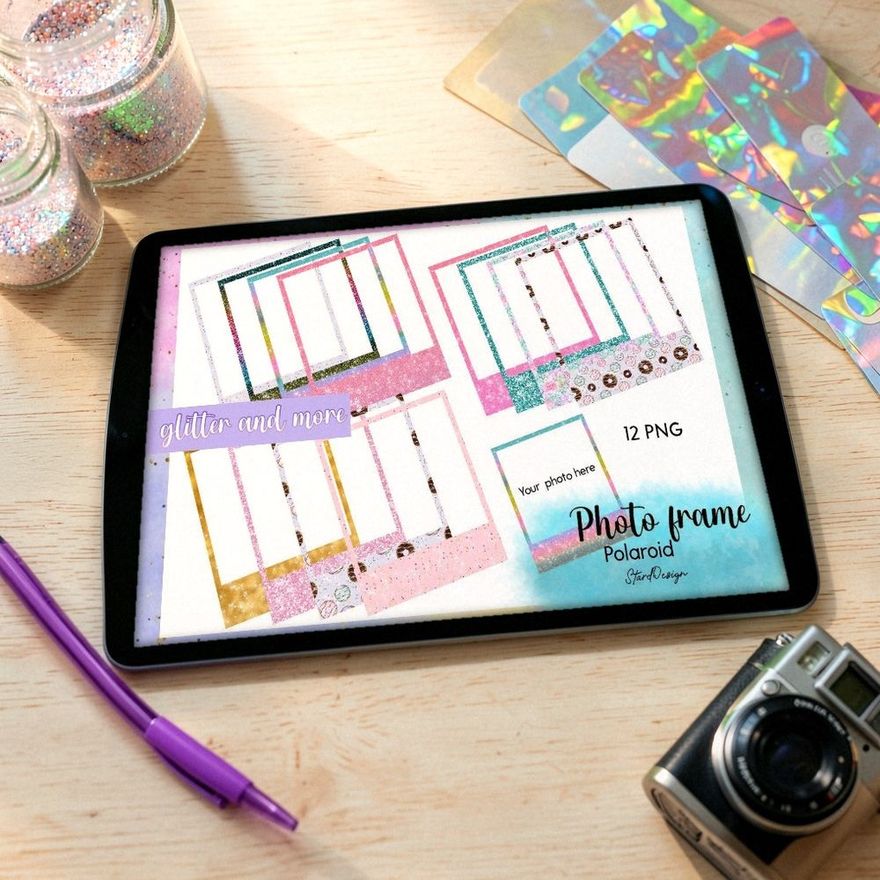
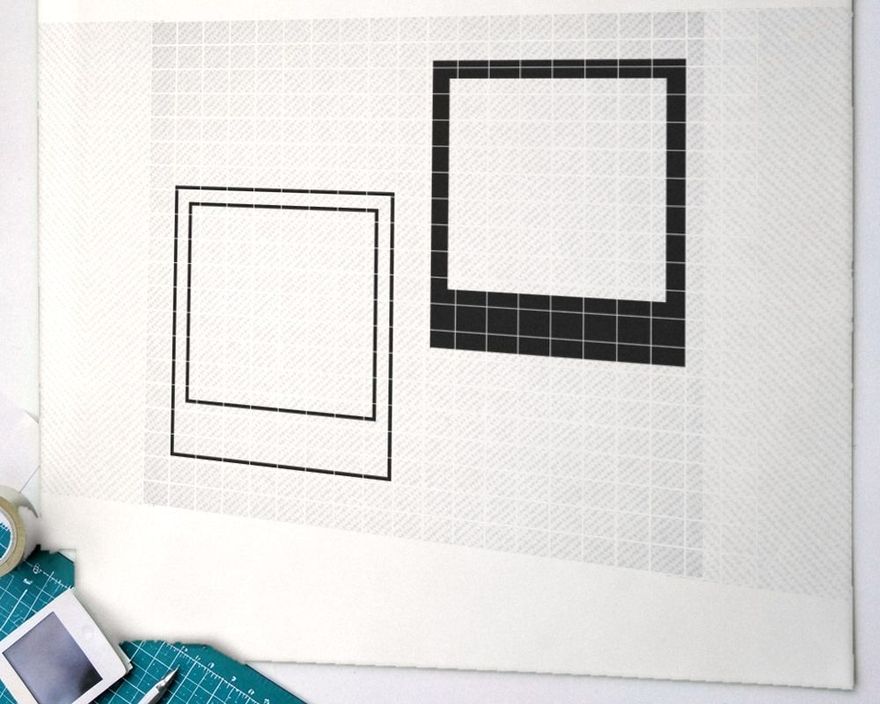
A Polaroid-style frame is a square photo set in a white card with narrow borders on three sides and a deep strip at the bottom. Polaroid's own support pages give the exact size for SX-70, 600 and i-Type film: a total area of 4.233 by 3.483 inches, with a photo area of 3.108 by 3.024 inches. If you print your own instant-style frames at those proportions, they will sit naturally next to real Polaroids on a wall or in an album. Below are the dimensions, printing tips, wall layouts and ideas for digital edits.
The Real Dimensions
Here are the figures Polaroid publishes, with metric equivalents from the same page:
| Film format | Total size | Photo area |
|---|---|---|
| SX-70, 600 and i-Type | 4.233 x 3.483 in (10.752 x 8.847 cm) | 3.108 x 3.024 in (7.894 x 7.680 cm) |
| Polaroid Go | 2.623 x 2.122 in (66.6 x 53.9 mm) | 1.851 x 1.811 in (47 x 46 mm) |
Polaroid also notes that its Round Frame film has the same total size as i-Type, with a circular photo area 3.024 inches across.
Two things follow from these numbers. First, the classic photo window is almost square but not quite. Second, the frame adds well over an inch of height in total, most of it in the thick bottom strip, which is where people write a date or a caption. That bottom strip is what makes a frame read as "Polaroid" rather than just "white border," so keep it when you design or crop your own.
Printing Instant-Style Frames at Home
You do not need a camera to make Polaroid-style prints. A printable or PNG frame plus a regular photo gets you there:
- Set the frame to the real size. In your editor, make the frame 3.5 inches wide and about 4.25 inches tall. This matches the full-size format closely.
- Place the photo behind the frame, crop it to the window and leave the bottom strip white for writing.
- Fit four to a Letter sheet. Two frames side by side take up about 7 inches of the 8.5-inch width, and two rows take about 8.5 inches of the 11-inch height, so four fit with room for the printer's margins.
- Print on matte photo paper or bright white cardstock. Matte takes pen and marker for captions; glossy looks closer to real film but smudges easily.
- Cut on the outer line with a craft knife and ruler. A corner rounder gives a softer, more film-like edge.
Ready-made Polaroid frame templates save the setup work and come in plain, vintage and decorated versions:

Polaroid Photo Frame Templates
See the listing ↗
20 Vintage Polaroid Frame Overlay HQ
See the listing ↗
Polaroid Photo Frame Glitter
See the listing ↗From the collection Photo Frames PNG. New Creative Fabrica members get 10 free downloads, and any of these can be one of them.
Photo Wall Layouts That Work
Instant-style prints are small, so a wall of them works best when the layout is deliberate. Lay the prints on the floor first and take a phone photo of the arrangement before anything goes on the wall.
- Tight grid. Rows and columns with equal gaps, for example a quarter inch to half an inch. The neat spacing does the work, so this suits mixed photos of different moods.
- Clothesline. Two or three strings or wires across the wall, prints hung with mini clothespins. Easy to swap photos and good for rentals.
- Heart or letter shape. Outline the shape lightly in pencil or with removable tape, then fill it. Shapes need more prints than you expect to read clearly from across the room, so count them on the floor first.
- Timeline strip. One long horizontal line of prints in date order, captions in the bottom strip. Works well along a hallway or above a desk.
- Mixed frames. Combine Polaroid frames with a few larger photos in thin frames. Keep the instant prints grouped rather than scattered, so they read as a set.
Use removable mounting putty or tape made for walls, and test a small piece on a hidden spot first, since some paint lifts more easily than others.
Write captions before you hang the prints. Writing on a print taped to a wall usually ends with a crooked line or a smudge.
Captions and Labels
The bottom strip is part of the look. Ideas for filling it:
- A date and place in small handwriting
- One word that sums up the moment
- A number, for an advent calendar, a countdown or a "1 to 12 months" baby series
- A small sticker or banner instead of writing
Number frames are made for countdowns and month-by-month series, since the digit is already in the design:

Polaroid Photo Numbers 0-9 Canva Frame
See the listing ↗
Polaroid Photo Frame Cute
See the listing ↗
Polaroid Photo Frame Svg Bundle, Smile
See the listing ↗From the collection Photo Frames PNG. New Creative Fabrica members get 10 free downloads, and any of these can be one of them.
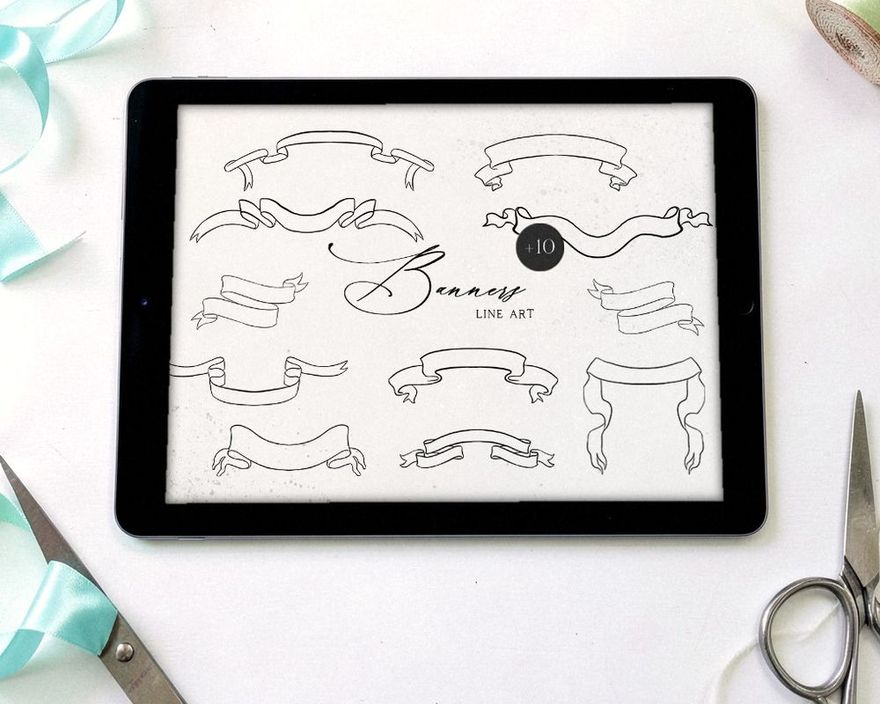
For a printed label or tiny ribbon across the bottom strip instead of handwriting, small banners from the ribbon banners and labels collection fit well at that size. The guide to using ribbon banners and labels covers fonts and sizing.
Polaroid Frames in Digital Edits
Online, a Polaroid frame is mostly a PNG overlay: a white frame with a transparent window that you lay over a photo. Common uses:
- Social posts: one photo in a frame, slightly tilted, on a plain or textured background.
- Collages: three to five framed photos overlapping at different angles, like prints scattered on a table.
- Story templates: a frame with space for a caption in the bottom strip.
- Event invitations and thank-you cards: a single framed photo as the focal point.
The basic method is the same in any editor that supports layers: photo on the bottom layer, frame PNG above it, resize the photo until it fills the window, then add text in the bottom strip. The photo frame PNG guide walks through this in Canva and on a phone, including how to keep the transparent background when you export.
A few details make digital Polaroid frames look convincing:
- Tilt slightly. A rotation of a few degrees looks natural; perfectly straight frames look like a template.
- Add a soft shadow. A faint drop shadow lifts the frame off the background.
- Keep the proportions. Stretching a frame to fit a wide photo breaks the illusion. Crop the photo instead.
- Use a handwriting font for captions, in dark gray rather than pure black.
Crafts Beyond the Wall
Polaroid-style frames work in plenty of paper projects:
- Scrapbooks and junk journals, as a frame for a single photo per page
- Party photo booths, with a large cardboard Polaroid frame for guests to hold
- Gift tags, with a tiny photo and a name in the bottom strip
- Classroom displays, one framed student photo per child with their name below
For a large photo booth prop, scale up the same proportions: keep the bottom strip several times deeper than the side borders and the frame will still read as an instant photo.
Paper, Cutting Tools and Hanging Supplies
Printed instant-style frames need matte paper that takes a pen, a clean cut, and a way to hang them that comes off the wall again. Mini clothespins and twine cover the clothesline layout, and putty covers the grids and shapes.
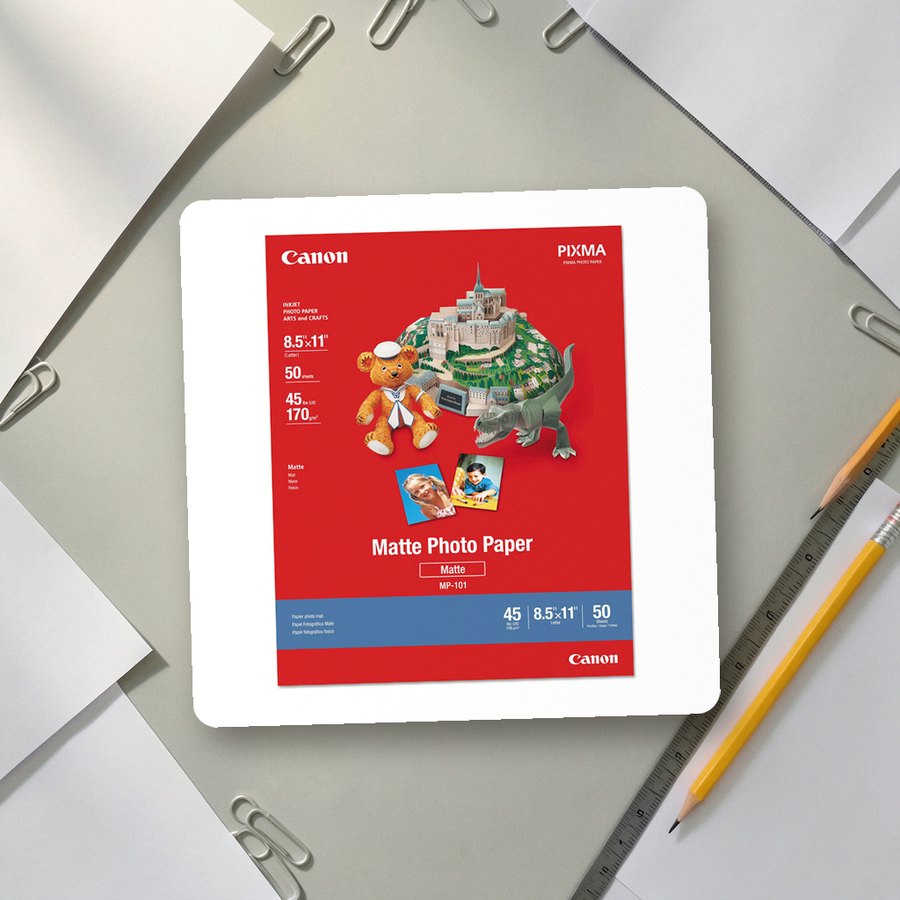 Matte photo paper, letter sizeCanonSee it on Amazon
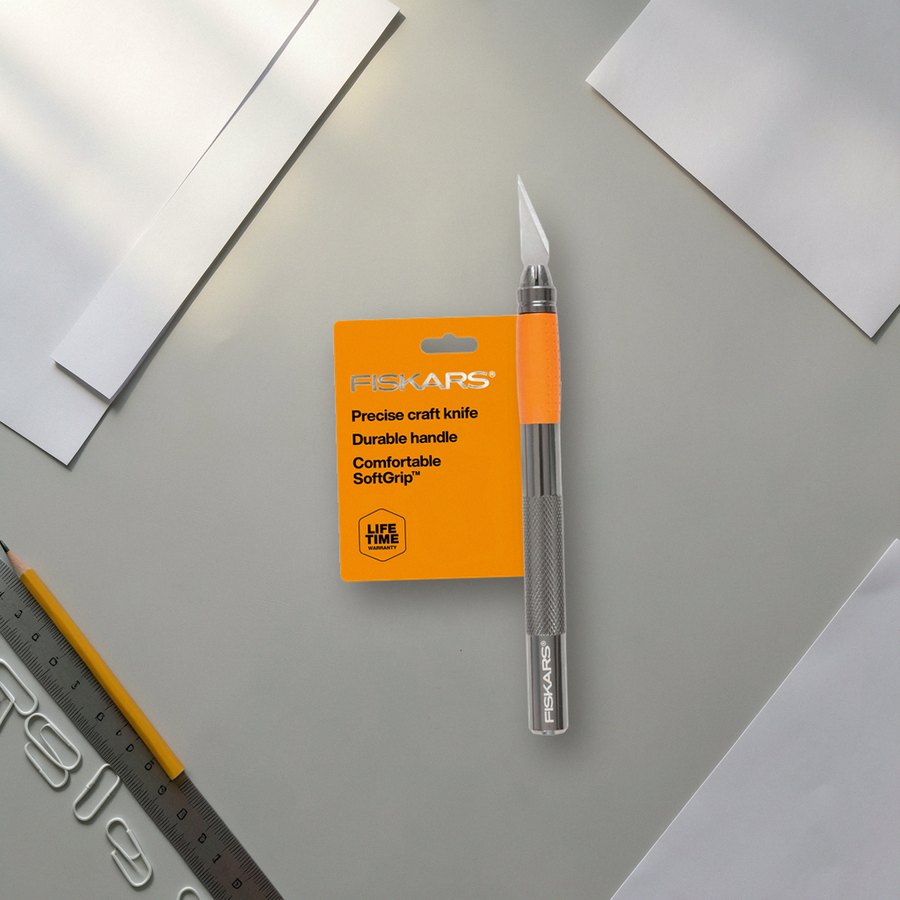 Detail craft knife, aluminum handleFiskarsSee it on Amazon
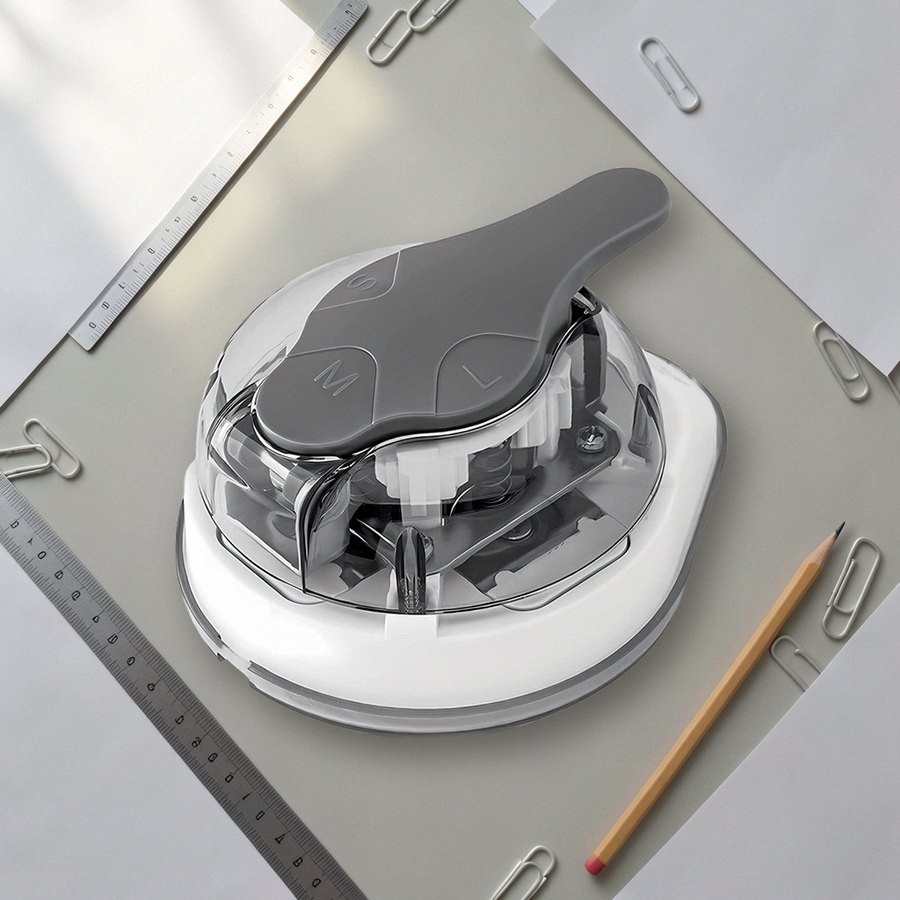 Corner rounder punch, three sizesSUN-STARSee it on Amazon
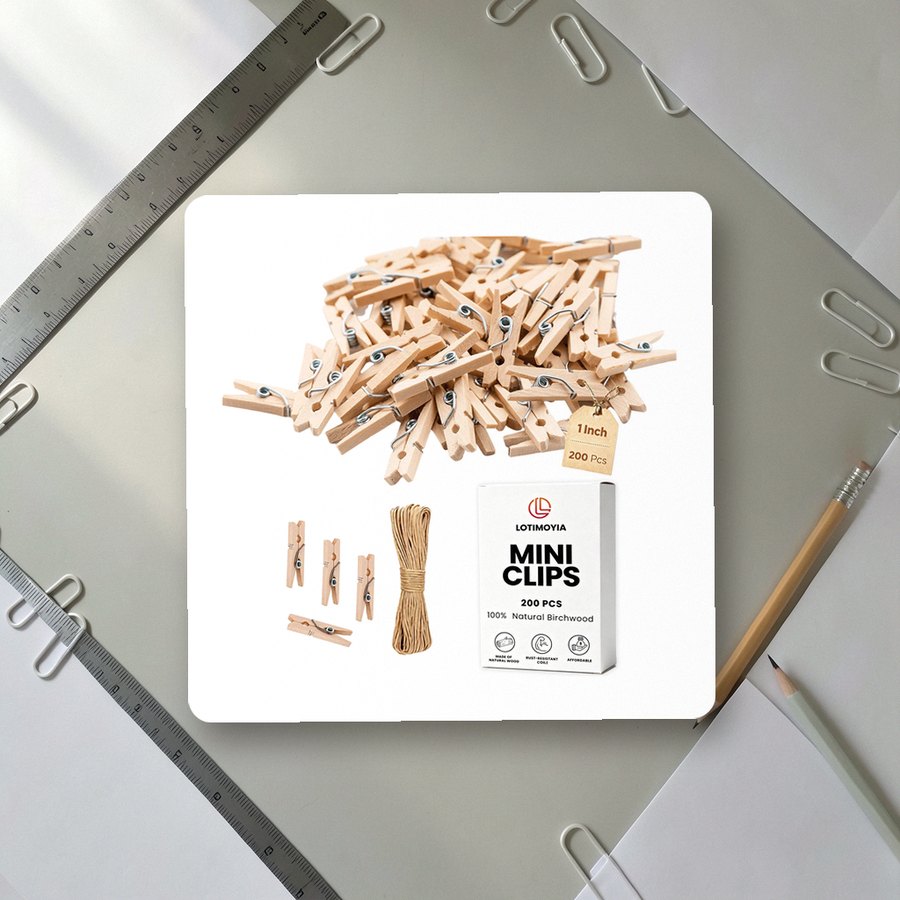 Mini clothespins with jute twineLOTIMOYIASee it on Amazon
 Removable mounting puttyGORILLASee it on Amazon
As an Amazon Associate we earn from qualifying purchases.
Your Next Step
Pick five to ten photos you like, choose a frame from the photo frames PNG collection, size it to 3.5 by 4.25 inches and print a single sheet of four as a test. Check the cut edges and the caption space, then lay out your wall on the floor before you hang anything.
Frames and Borders for This Guide
 Photo Frames PNG16 hand-picked · open the collection →
 Ribbon Banners & Labels17 hand-picked · open the collection →