Page borders
15 Page Border Designs for Projects and Printables
Page border designs: decorative borders for school projects, stationery and printables.
See the collection ↓
15 hand-picked clipart sets · Creative Fabrica


Page border designs: decorative borders for school projects, stationery and printables.
Top picks
The two most useful files in this set — checked before the rest, so you can stop here if one of them fits.
More clipart sets to explore
Page border designs: decorative borders for school projects, stationery and printables.
A frame clipart — round, rope, jut. Use them again in invitations, stickers, labels and social posts.
View clipart ↗A frame clipart — oval, line, roun. Download the PNG files with transparent backgrounds.
View clipart ↗A floral page border — watercolor, coral. Place them in Canva, Photoshop, Procreate or any design app and resize as needed.
View clipart ↗A page border — medieval, royal, crest. Use them again in invitations, stickers, labels and social posts.
View clipart ↗
An elegant frame clipart from the Illustrations shelf on Creative Fabrica. Download the PNG files with transparent backgrounds.
View clipart ↗
An elegant page border — celtic. Place them in Canva, Photoshop, Procreate or any design app and resize as needed.
View clipart ↗
A page border — birthday. Use them again in invitations, stickers, labels and social posts.
View clipart ↗
A watercolour page border — layout. Download the PNG files with transparent backgrounds.
View clipart ↗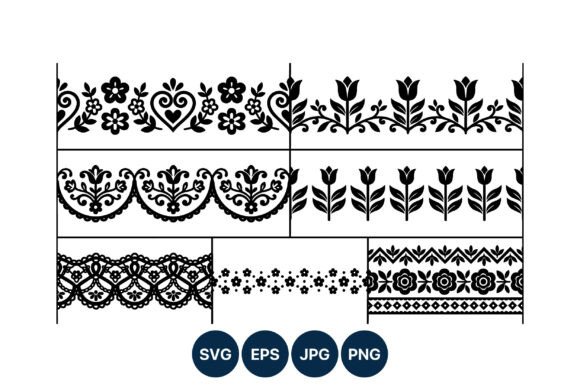
A floral page border — folk, style. Place them in Canva, Photoshop, Procreate or any design app and resize as needed.
View clipart ↗
A black-and-white frame clipart — black, white. Use them again in invitations, stickers, labels and social posts.
View clipart ↗
A retro frame clipart from the Illustrations shelf on Creative Fabrica. Download the PNG files with transparent backgrounds.
View clipart ↗
A page border — whimsical, romantic. Place them in Canva, Photoshop, Procreate or any design app and resize as needed.
View clipart ↗
A page border — line, art, elements. Use them again in invitations, stickers, labels and social posts.
View clipart ↗Heads up: links on this page are affiliate links. If you download through them I earn a commission, at no extra cost to you.
How to choose
Questions people ask
Yes. Creative Fabrica gives you 10 free downloads when you sign up, so any design on this page can be one of them. Pick your favorites first, then download.
Most sets come as PNG files with transparent backgrounds, often at 300 dpi for print. Some include SVG, EPS or JPG versions; the listing shows what is inside.
Yes. Upload the PNG files to Canva and drag them onto your design like any other image.
Check the license on the product page before you sell anything. Creative Fabrica shows the license terms on each listing, and they are the ones that count.
How-To
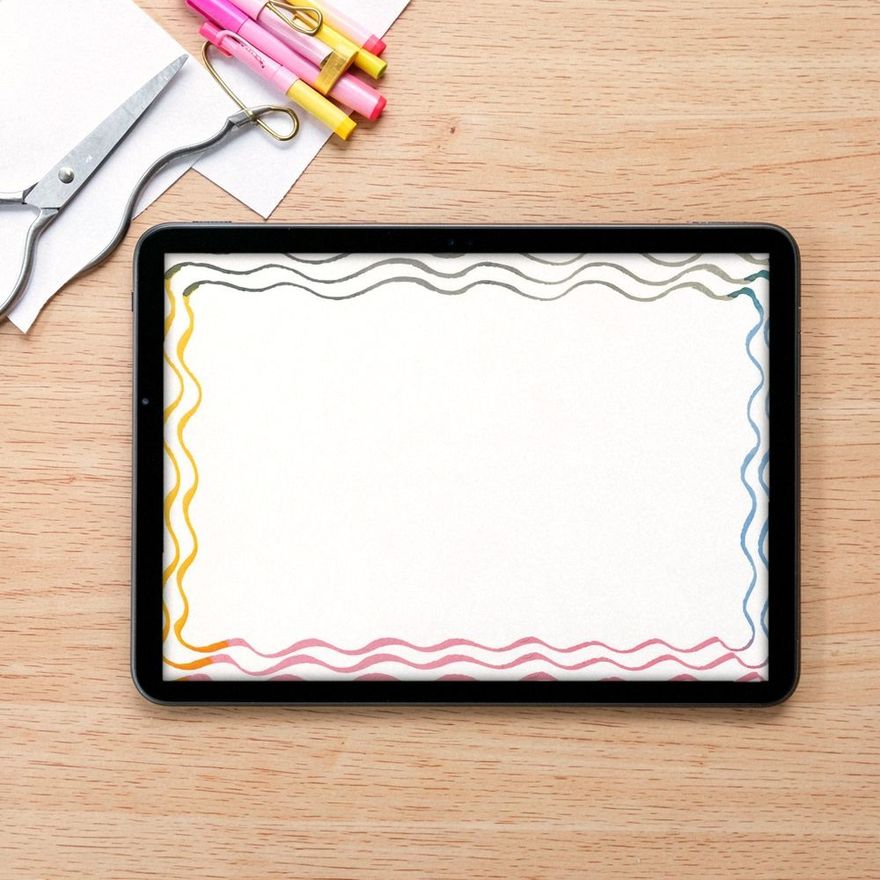
Border ideas matched to school subjects, how to print a border so nothing gets cut off, and simple borders you can draw by hand with a ruler and a few markers.
Read the guide →
Step-by-step ways to add a page border in Microsoft Word and Google Docs, from built-in line and art borders to a PNG border placed behind your text on every page.
Read the guide →
Where dividers and flourishes belong on a page, how to pair them with fonts, how much space to leave around them, and what changes between screen and print.
Read the guide →Keep browsing
Creative Fabrica has thousands more page border designs to explore.
Sign up on Creative Fabrica and get 10 free downloads.