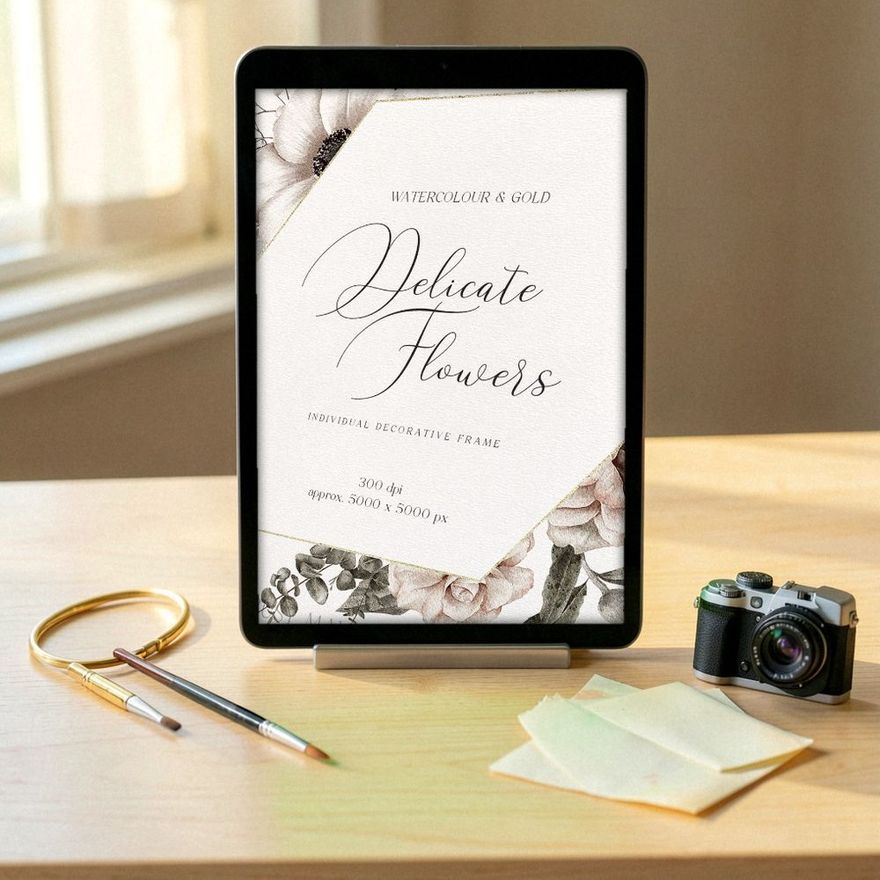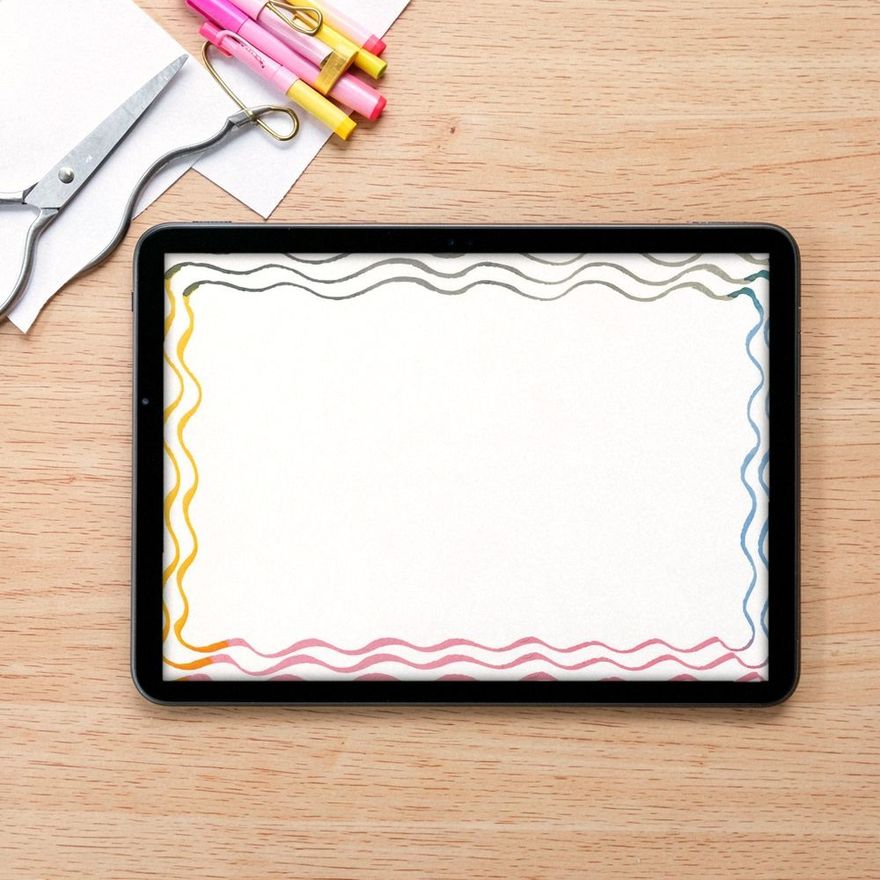


The best page border for a school project is one that hints at the subject and stays out of the way of the work: a thin vine for a biology report, a Celtic knot for a medieval history page, a simple double line for a math poster. Choose a border that leaves at least half an inch of clear space inside it, keep it lighter than your text, and either print it on a sheet you then write on or draw it before you start, never after. Below are ideas by subject, then the practical part: printing without losing the edges, and drawing clean borders by hand.
What a Border Does on a Project Page
A border frames the page so the eye stays inside it. On a poster or a notebook cover, it also tells the reader what the topic is before they read a word. That second job is where most students go wrong: a busy, colorful border makes the page look full but competes with the headings, diagrams and handwriting that the teacher is actually grading.
A few rules keep a border helpful:
- Lighter than the content. Pale watercolor, thin line art or a single color is easier to work around than a heavy, saturated frame.
- Clear space inside. Leave a gap of at least half an inch between the border and your first line of text, so writing never touches the frame.
- One theme. The border should match the subject or the season, not both at once.
- Same style on every page. For a multi-page report or a lapbook, repeat the same border so the project reads as one piece.
Border Ideas by Subject
Matching a border to the topic is the quickest way to make a project look planned. Here are pairings that work:
| Subject | Border idea | Why it fits |
|---|---|---|
| Science and biology | Leaves, vines, simple botanical line art | Echoes plant and nature topics without clutter |
| History (ancient, medieval) | Celtic knots, crests, scroll ends | Recalls manuscripts and heraldry |
| History (19th and 20th century) | Thin vintage frames, ornate corners | Looks like an old document or photograph |
| English and literature | Flourishes, quill-style swirls, book corners | Suggests handwriting and old printed books |
| Math | Double line, geometric pattern, grid edge | Neat and precise, like the subject |
| Geography | Rope border, compass rose corners | Nautical and map-like |
| Art | Watercolor wash, paint splashes | Shows color without needing words |
| Book reports and comics units | Speech bubbles around the edge, comic panels | Fits dialogue, characters and storytelling |
| Birthdays and class events | Balloons, bunting, confetti | Festive but still leaves room |
For history pages, a medieval or Celtic design does a lot of the theming for you, while a watercolor or line art border suits almost any science or English page:

Medieval Page Border Design Royal Crest
See the listing ↗
Elegant Celtic Border Design Pack
See the listing ↗
Line Art Page Border Design Elements
See the listing ↗From the collection Page Border Designs. New Creative Fabrica members get 10 free downloads, and any of these can be one of them.
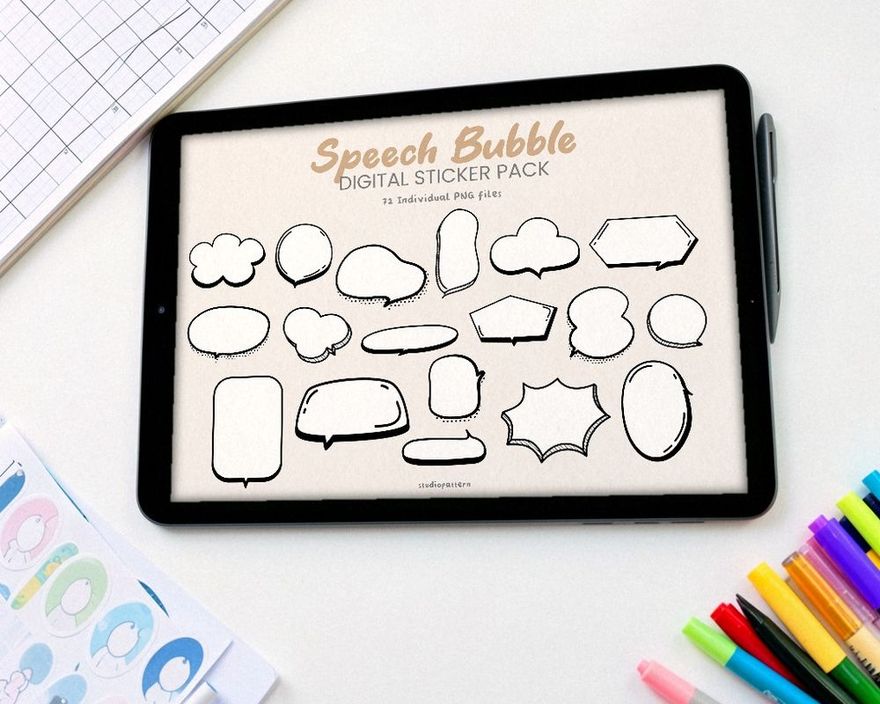
Book reports and comic-strip assignments are a good place for speech bubbles. Use them as a border motif or as callouts for character quotes inside the page. You will find bubbles in hand-drawn, comic and watercolor styles in the speech bubbles and tags collection.

Printing a Border Without Cutting It Off
Most home printers cannot print right to the edge of a sheet of plain paper. They leave a thin unprinted strip on each side, and a border designed to touch the edge will be clipped or shrunk to fit. Printer makers publish these limits: Epson lists a minimum margin of 0.12 inch (3 mm) on all four sides for the EcoTank ET-2800, and HP lists 3 mm on each side for the ENVY 6020. Canon's manual for the PIXMA TS3100 series gives a slightly bigger margin on Letter paper, about a quarter inch on the left and right.
So for borders on regular 8.5 by 11 inch paper:
- Pick a border with its own white margin. Many printable page borders already sit a little inside the edge of the page. Those print cleanly on any printer.
- Print at actual size (100 percent). If the border looks slightly cropped, switch to the printer dialog's fit-to-page option, which shrinks the whole page a little so the edges fit inside the printable area.
- Print one test page on plain paper before using the good cardstock.
If you need a border that runs off all four edges, read printing borders at home for how borderless printing and bleed work and which papers support them.
Adding a Border on the Computer
If the project is typed, you can put a border into the document itself instead of printing on pre-bordered paper. Microsoft Word has a built-in page border tool with simple lines and a set of art borders, and you can also place a PNG border image behind the text in Word or Google Docs. Both methods are covered step by step in how to add a page border in Word and Google Docs.
The PNG route gives you far more choice of styles. A clean black and white frame also prints well on a black-only printer and can be colored in by hand afterward:

Black and White Decorative Border Frames
See the listing ↗
Watercolor Border Design for Page Layout
See the listing ↗
Happy Birthday Decorative Border Design
See the listing ↗From the collection Page Border Designs. New Creative Fabrica members get 10 free downloads, and any of these can be one of them.
Simple Borders You Can Draw by Hand
For a handwritten project, a hand-drawn border is often the neatest option, because you control exactly where it goes. You need a ruler, a pencil and one or two fine markers.
- Rule a light pencil rectangle about half an inch in from each edge. Measure at two points on each side so the line is parallel to the paper edge.
- Ink over the line with a fine marker. Hold the ruler firmly and pull the pen toward you.
- Add a second line a quarter inch inside the first, if you want a double border.
- Decorate the band between the two lines with a repeated motif: dots, small triangles, waves or tiny leaves.
- Let the ink dry fully, then erase the pencil.
Easy motifs that look tidy even when drawn quickly:
- Dots and dashes: alternate one dot and one short dash along the line.
- Scallops: a row of small half circles along the inner line, like a lace edge.
- Vines: a gently wavy line with a small leaf every inch or so.
- Corners only: a small flourish or triangle in each corner and plain straight lines between them. This is the fastest border that still looks deliberate.
- Subject icons: stars for astronomy, small atoms for chemistry, tiny books for reading logs, repeated at even intervals.
Draw the border before you write anything. If the pen slips, you start over on a clean sheet instead of losing an hour of work.
Matching Colors to the Project
Color does as much theming as the motif. A few guidelines:
- Use one or two colors from the topic. Greens and browns for plants, blues for oceans and weather, red and gold for a royal or medieval theme.
- Keep the border paler than the title. If the border is dark, use a dark heading color too, so the title still stands out.
- Think about the printer. Large areas of solid color use a lot of ink and can make thin paper wavy. Outline borders and watercolor washes print faster and lie flatter.
For more on choosing between floral, vintage, minimal and kids' styles, see the guide to frame and border styles.
Supplies for Printed and Hand-Drawn Borders
A hand-drawn border takes a ruler and a couple of fine pens, and a printed one takes a sheet that stays flat under color. Poster board covers the projects that have to stand at the front of the room.
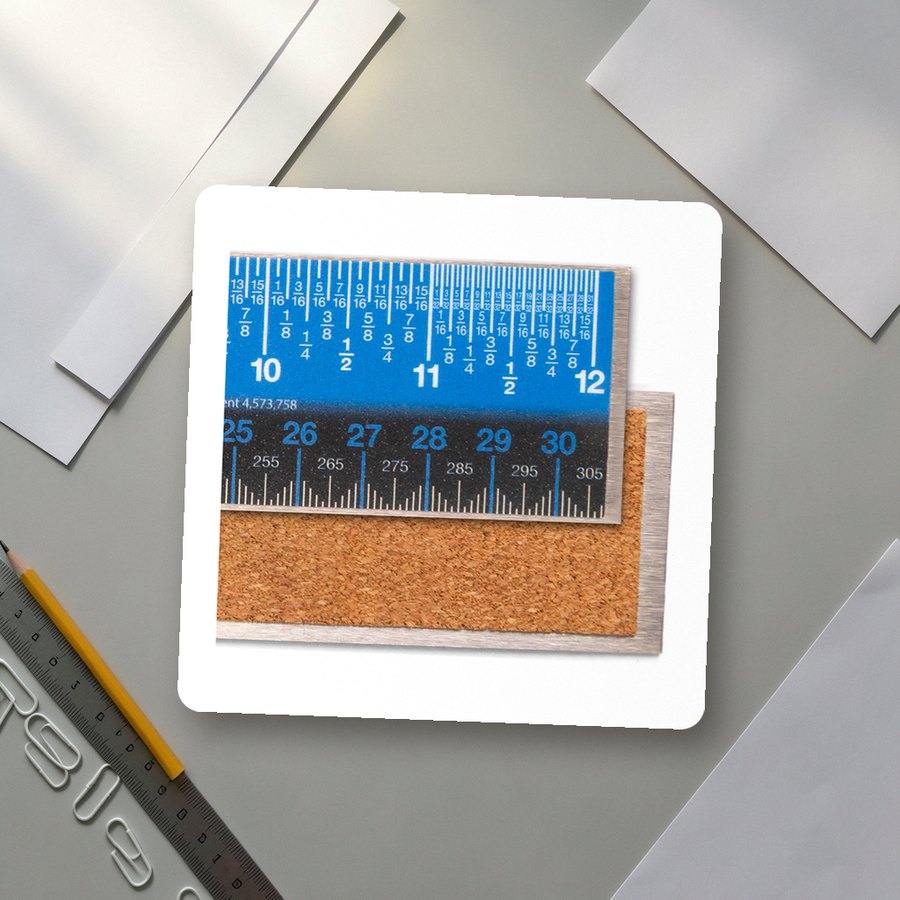 Cork-backed steel ruler, 12 inchVictorSee it on Amazon
 Black pigment fineliners, assorted pointsSAKURASee it on Amazon
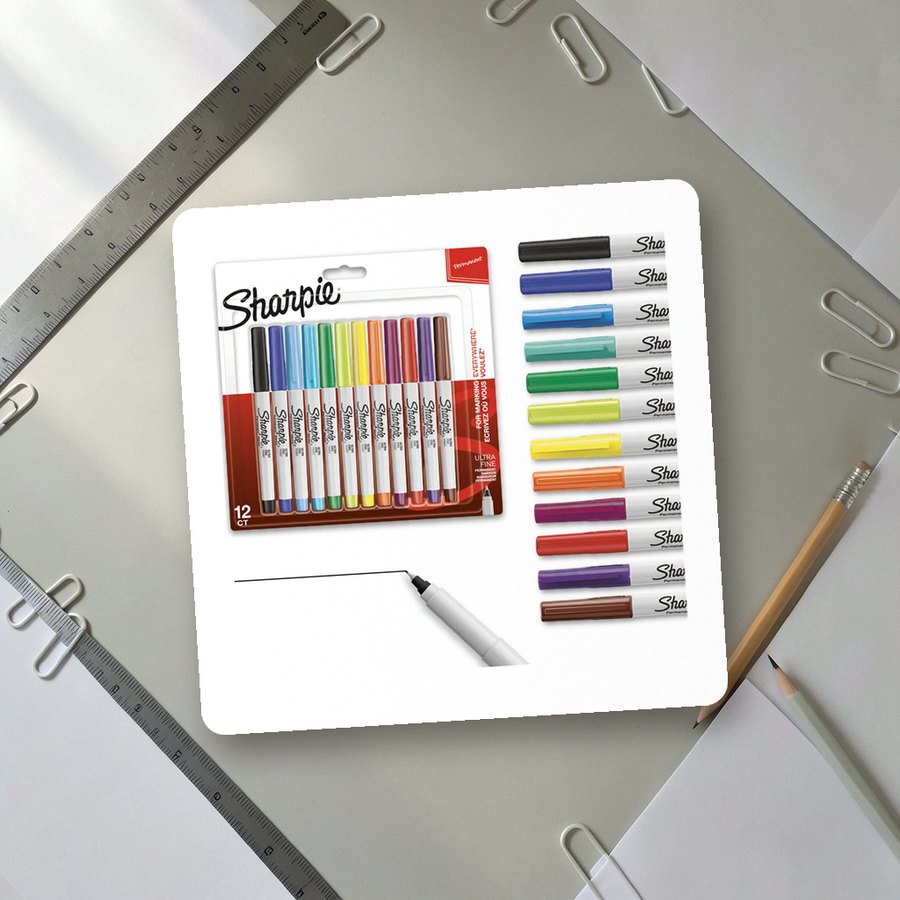 Ultra-fine permanent markers, assorted colorsSharpieSee it on Amazon
 Bright white 28 lb printer paperHammermillSee it on Amazon
 White poster board, 22 x 28StaplesSee it on Amazon
As an Amazon Associate we earn from qualifying purchases.
Permanent markers can show through thin paper, so test them on a spare sheet first.
Your Next Step
Pick the subject of your next project, choose one border idea from the table, and decide now whether you will print it or draw it. If you print, look through the page border designs collection for one that leaves a white margin at the edge, print a single test page at 100 percent, and check that all four sides came out whole before you print the final copy. New Creative Fabrica members get 10 free downloads, so a border for the project can be one of them.
Frames and Borders for This Guide
 Page Border Designs15 hand-picked · open the collection →
 Speech Bubbles & Tags15 hand-picked · open the collection →